
Availability in one view
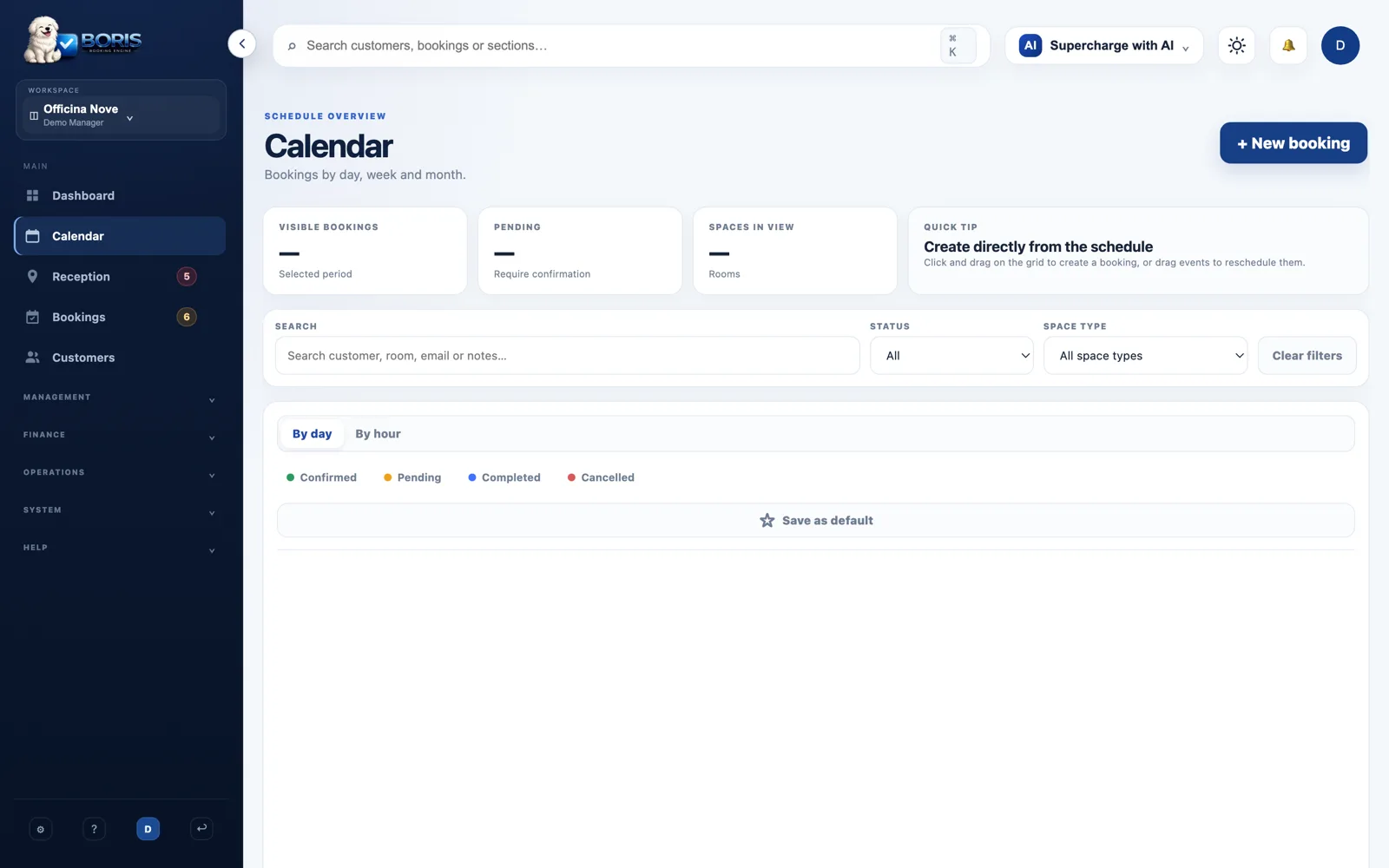
Check bookings and resources without rebuilding your schedule across spreadsheets.
Booking and space management
Bookings, customers and invoicing in one place. With workflows that adapt to your coworking space, studio or accommodation.
Free during beta. No credit card required.

Boris is in beta. Every example on this page is fictional: these are not customer results or testimonials.
Boris
From the calendar to each customer’s history, keep your operational context connected.
Check bookings and resources without rebuilding your schedule across spreadsheets.
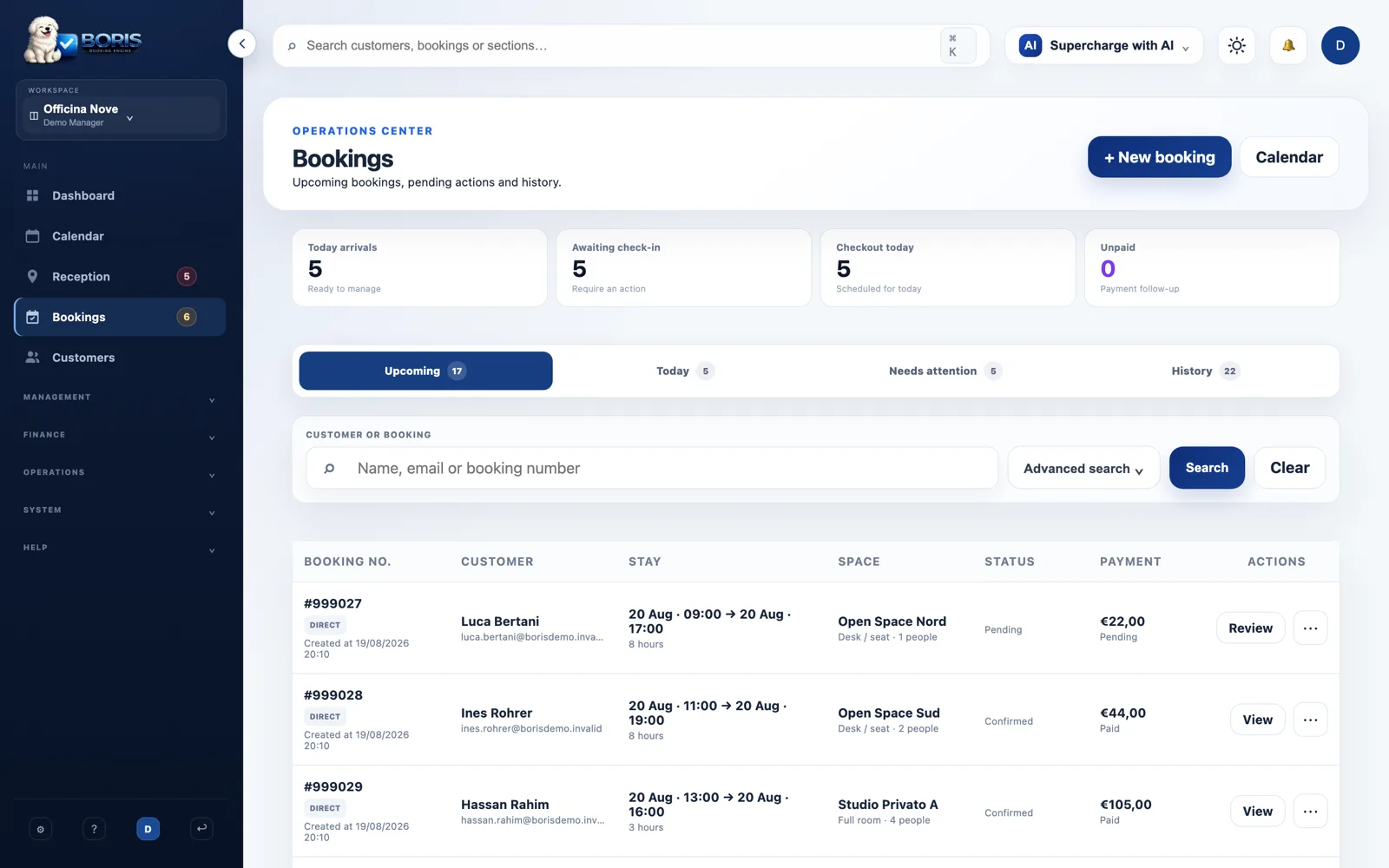
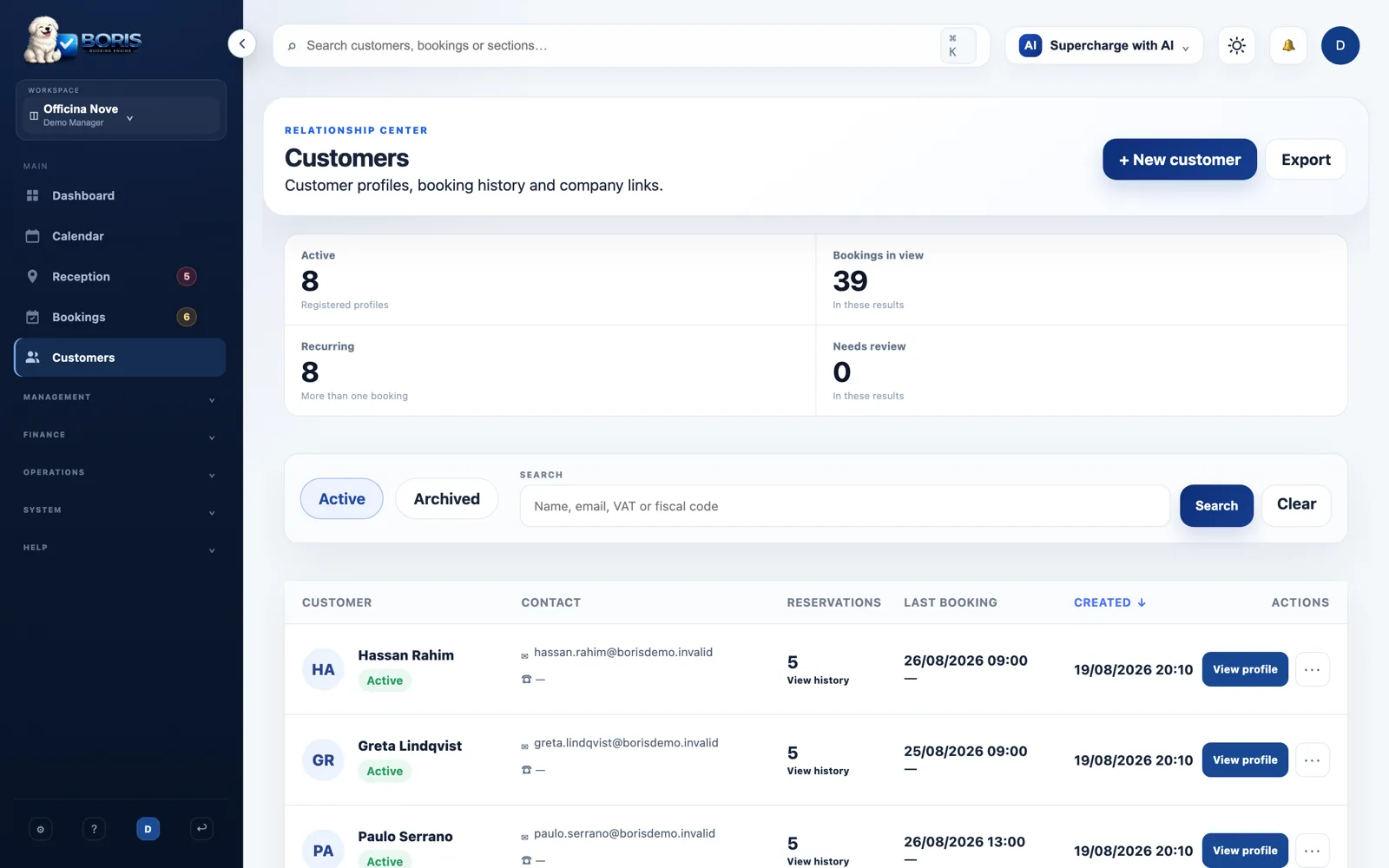
Connect bookings, memberships, invoices and activity in one record.
Review invoices and payment statuses alongside daily operations. External providers require configuration.
DEMO · FICTIONAL DATA
Choose your space type and explore this interactive example. No real booking, invoice or payment is created.
Review the resource and time slot in this example. In the product, availability rules are configured per resource.
Review the customer and booking status. This simulation saves no data and sends no notifications.
Check the associated payment status. This simulation does not issue invoices or process payments.
Review the resource and time slot in this example. In the product, availability rules are configured per resource.
Step 1 of 3
Product screenshots from a fictional workspace, with no customer operations. Screenshot interface in English.
A guest room is not a rehearsal room. Explore the solutions and use the right vocabulary from the start.
Boris adapts vocabulary and workflows to your business context.
Add what can be booked and define availability.
Create a test booking and review its statuses before opening to the public.
Check the catalogue and each integration’s status. Some are in beta and may require accounts, configuration or provider validation.
See integrations and availability →DEMO · FICTIONAL DATA
Make your own estimate. This is not a savings promise or a measurement of Boris.
Bookings: 0–10,000. Minutes: 0–240. A negative result means more time, not a saving.
Formula: bookings × (current minutes − estimated minutes) ÷ 60. Setup and learning time are excluded.
No. The tour uses fictional data and does not connect to customer accounts. Screenshots come from a demonstration workspace.
Not to register during beta. Access is free while Boris is in beta.
We will give at least 30 days’ notice before charging. Beta users will receive a permanent discount; the percentage is not yet published.
Yes. The space type determines vocabulary and workflows. Explore examples for coworking, studios, accommodation and other bookable resources.
You can discuss your needs through the contact channel. Feasibility, scope and timing must be agreed; we do not promise automatic migration.
No. Check requirements and status in the catalogue. External accounts, permissions and provider fees may be required.
Explore the demo or start configuring your own space. Choose your next step.
Free during beta. No credit card required.