
Conflict prevention
Every request is checked against active bookings and operational blocks before confirmation.
Keep room calendars, availability rules and payments connected from the first request to check-in.
A meeting room booking system is software that holds the availability of each room and confirms a reservation only when the requested time is genuinely free. It checks the request against the opening hours of the room, the bookings already confirmed and any operational block, and it keeps the customer, the price and the payment status attached to the reservation. Boris applies those rules per room, so capacity, duration and pricing do not have to be the same for every space.
Every request is checked against active bookings and operational blocks before confirmation.
Set opening hours, capacity, duration and pricing independently for every meeting room.
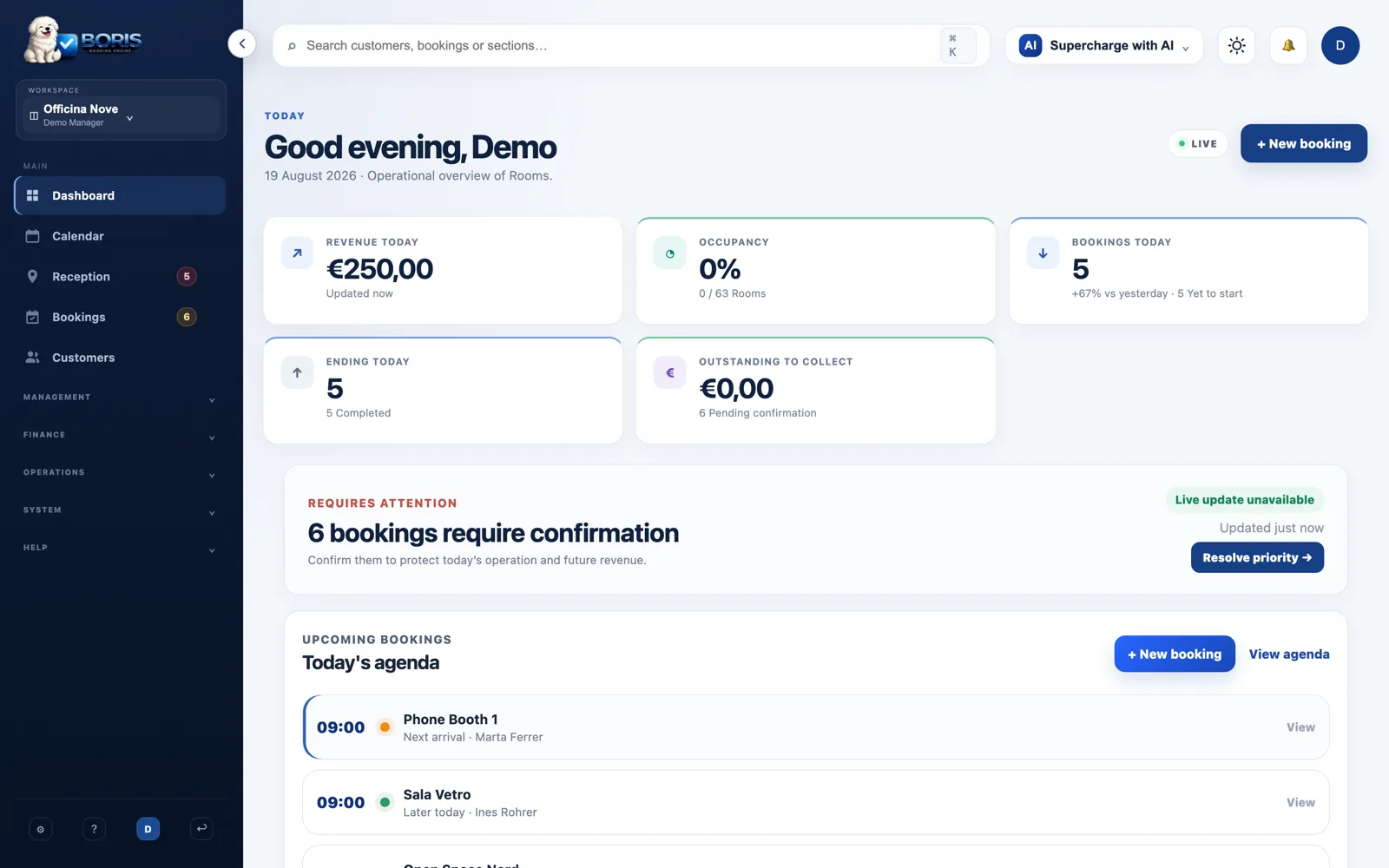
Staff see customer, payment and operational status alongside the reservation.
Not every overlap is a clash, and not every clash is a booking. Each row is a case Boris decides before confirming.
| Situation | A conflict? | What happens |
|---|---|---|
| Overlapping with a confirmed booking | Yes | The request is rejected and the time is never shown as free |
| One booking ending as the next begins | No | Both are allowed: back-to-back is not an overlap |
| Inside an operational block | Yes | Preparation, cleaning and maintenance protect the time without a fake reservation |
| Outside the opening hours of the room | Not applicable | The time is not offered as bookable at all |
Every meeting room keeps its own capacity, equipment, availability and commercial rules while sharing one operational calendar.
Check confirmed reservations and operational blocks before showing a time as bookable.
Describe each room according to the people and equipment it actually supports.
Protect preparation or cleaning time with blocks instead of creating fake reservations.
Keep the room, customer and booking status usable for staff moving around the venue.
Add each meeting room with capacity and booking mode.
Configure availability, prices and maintenance blocks.
Accept online or staff bookings through the same conflict checks.
Yes. Overlapping active bookings and room blocks are checked before a reservation is accepted.
Yes. Availability and commercial rules belong to each individual resource.
Yes. Operational blocks remove the affected period from availability without pretending it is a customer booking.
Start with your space type, resources and real booking rules. No credit card required.
Create your workspace